
Ask Reuben – February 10, 2026
Documentation Chatbot
What is the Documentation Chatbot?
Any tips for using the Documentation Chatbot?
I have recently been doing some Quarterly Business Reviews at some of our sites, and asked some junior developers if they had tried the documentation chatbot. I got some blank responses… I then proceeded to point out to the Senior Developer present the entry in the Release Announcement, the announcement in the Forum announcement, and also in my monthly newsletter to them and the expectation that they would distribute this knowledge to their team members. In their defence, we don’t mention it in the individual product documentation new Features and Upgrade Guide which is where I normally look to see what is new or has changed.
The Documentation Chatbot can be found at this URL and there is also a link at the top of the Documentation Download area. It is a Chatbot like others you have probably encountered on other web-sites. You ask a question in plain language and it gives a response. You then refine your question to get to the final answer. The response provided will include a link to the appropriate documentation page(s).
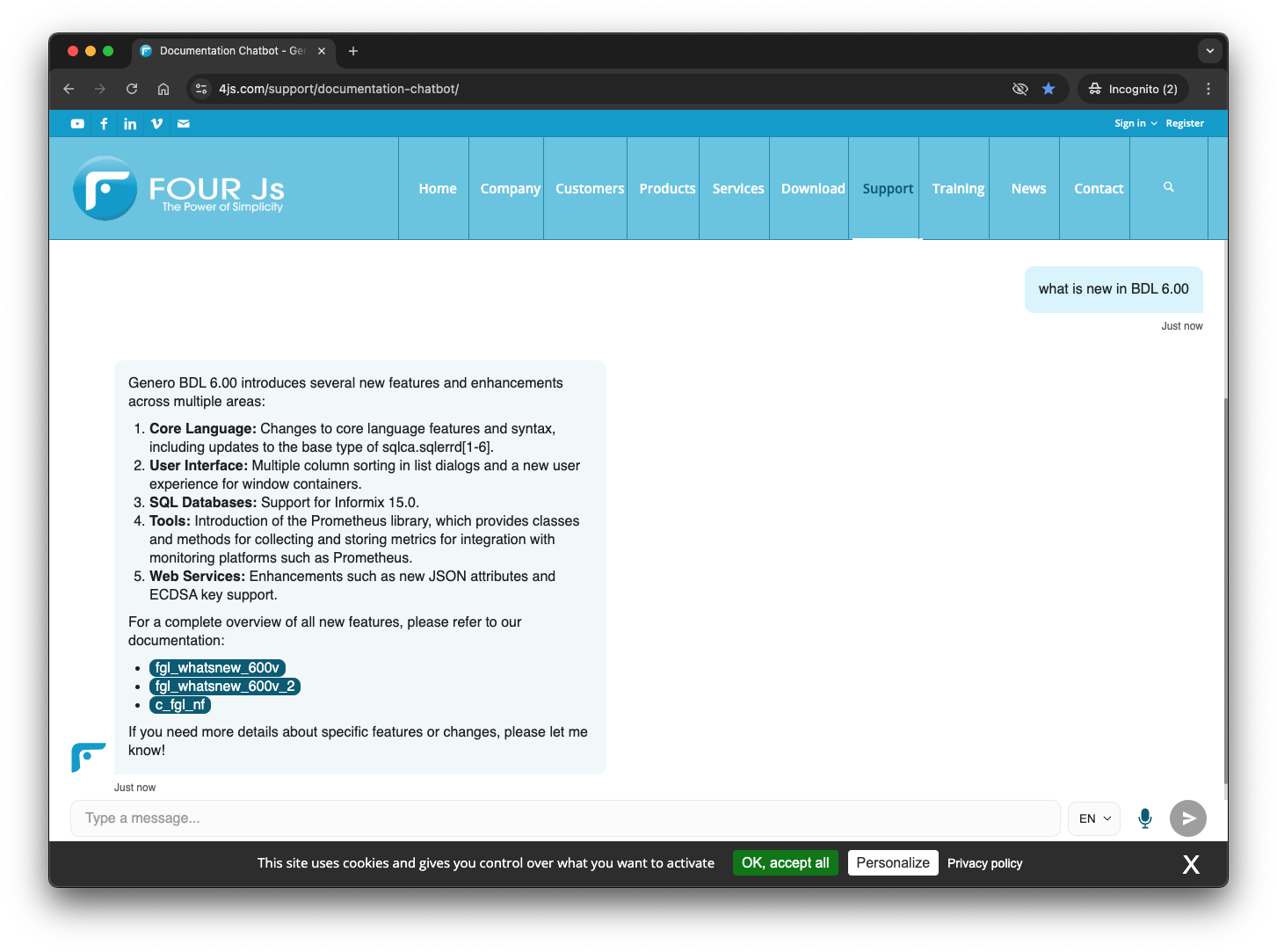
The tips I would give when using it is that it accesses all our different product documentation so
- make sure you are clear whether your question relates to BDL, GRW, GBC etc. as there are some terms in our products that have different meaning in different products.
- if using an older version make sure you include that in the question.
- with the links returned, note the version if present in the URL. If no version in the URL then it relates to the latest version of our products
- make sure you visit the link and verify that this makes sense for the question asked.
Other tips to note, in the bottom right corner of the page there is
- a microphone for you to speak your question rather than typing it in
- a drop down to translate the answer to a different language.
There is not a feedback button yet. As the chatbot says in the initial prompt …
I do my best to be accurate, but I might sometimes make mistakes. For urgent or critical matters, please reach out to a human team member.